Google Now Lets You Change Your Gmail Address — Here’s How
Finally, Gmail lets you change your email address! No more awkward or outdated usernames — update your Gmail without losing emails, files, or account history. Simple, secure, and perfect for a professional look.
Hith X Admin
Apr 3, 2026
For years, your Gmail address was permanent. Once you created it, there was no going back.
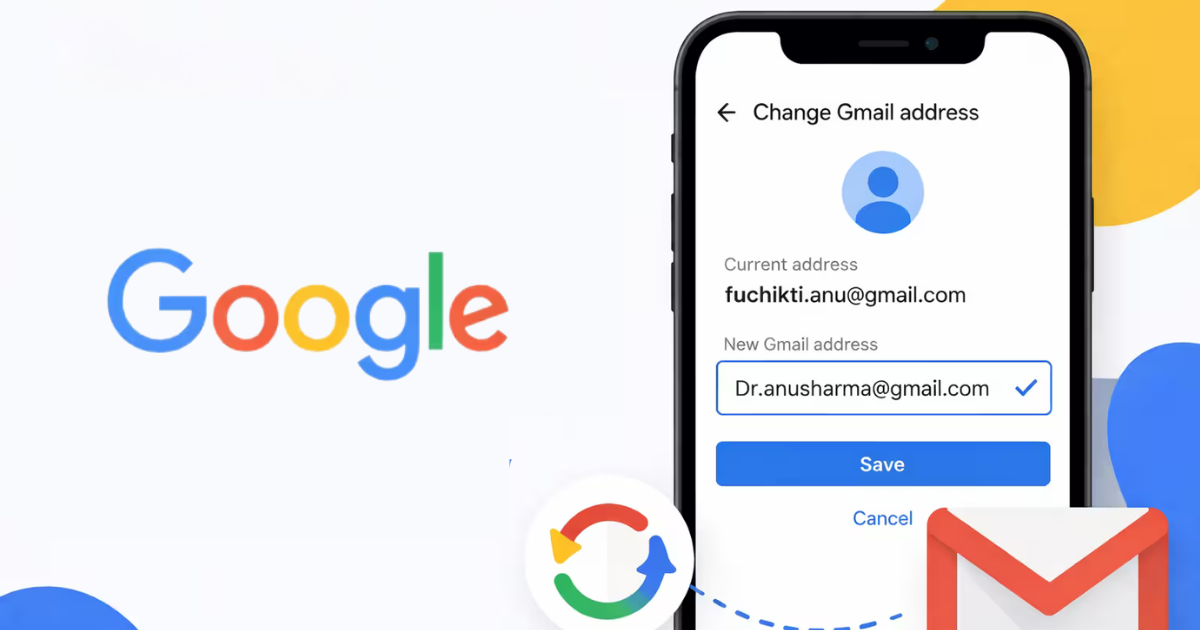
But that’s finally changing. Google has introduced a new feature that allows users to change their Gmail address (username) without losing their data — something users have been asking for for nearly two decades.
And for many users in Nepal, this is a big deal. A lot of people created their first Gmail IDs casually — usernames like coolboy123 or random nicknames. But today, those same emails are used for work, business, and professional communication, making them feel out of place.
This update finally gives users the flexibility to grow their digital identity without starting over.
What’s New in This Update?
Google now allows you to change the part of your email before @gmail.com, which is also referred to as your account username.
This means you can:
-
Choose a new, more professional email name
-
Keep all your existing data
-
Continue using the same Google account
Unlike before, there’s no need to create a new Gmail or manually transfer emails, files, or contacts. Everything stays exactly where it is.
What Happens to Your Old Gmail Address?
One of the smartest parts of this update is how Google handles your old email.
Your previous Gmail address doesn’t disappear. Instead:
-
It becomes an alternative address
-
Emails sent to your old Gmail will still arrive in your inbox
-
You can still use both addresses to log in to Google services
This ensures a smooth transition without missing important emails or contacts.
Important Rules You Should Know
While the feature is powerful, it comes with a few limitations:
-
You can change your Gmail address once every 12 months
-
There is a maximum limit of 3 changes in total
-
Your new email must be unique and never used before
-
You can switch back to your original address if needed
Google also recommends backing up your data before making changes, just as a precaution.
Where Is This Feature Available Right Now?
As of now, this feature has started rolling out to users and is currently limited in availability, with early access seen in select regions like the United States.
For most users globally, including Nepal, the feature may not yet be fully available — but a wider rollout is expected soon.
How to Change Your Gmail Address
If the feature is available on your account, the process is straightforward.
Step 1: Open Google Account Settings
Go to your Google Account and make sure you are logged in.
Step 2: Navigate to Personal Info
Find the “Personal info” section.
Step 3: Open Email Settings
Under Contact info, click on Email → Google Account email.
Step 4: Choose “Change Email”
If available, you’ll see an option to change your Gmail address.
Step 5: Enter New Username
Type your new email name. It must be unique.
Step 6: Confirm the Change
Follow the final prompts to complete the process.
Once done, your new email becomes your primary address, while the old one remains active in the background.
Why This Matters More Than You Think
This isn’t just a small feature update — it solves a real problem.
A lot of users created Gmail accounts years ago without thinking long-term. Today, those same emails are used for:
-
Job applications
-
Client communication
-
Business accounts
-
Financial services
Having an outdated or unprofessional email can affect how others perceive you. With this update, users can now align their email identity with their current needs — without losing years of data.
When Will It Be Available Globally?
Google has not confirmed an exact global rollout date yet. However, since the feature is already being tested and gradually released, it’s likely to expand to more users worldwide in the coming months.
Until then, users who don’t see the option will need to wait or continue using the traditional workaround of creating a new account.
HithX Insight
This is one of those rare updates that feels small but has a massive impact. Your email is tied to your identity — personally and professionally.
Google finally recognizing that people evolve, and giving them a way to update their identity without losing everything, is a big step forward.