How to Create a Google Gmail Account in 2026: The Ultimate Beginner's Guide
A comprehensive, step-by-step tutorial on securing your digital identity by creating a new Gmail account. Fast, secure, and fully updated for 2026.
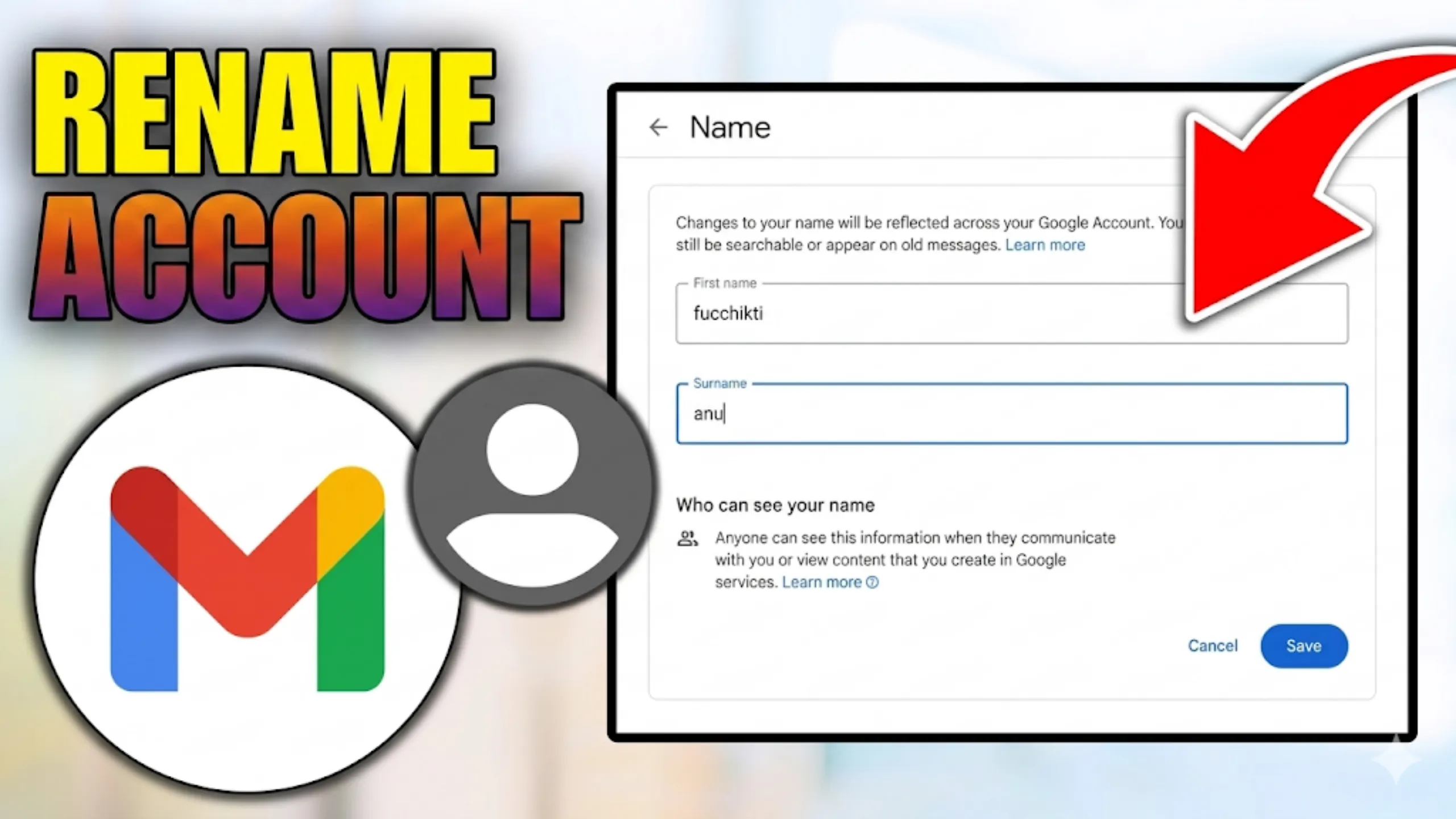
In 2026, a Google account is the undisputed master key to your entire digital life. Whether you are setting up a brand-new smartphone, applying for jobs, or syncing your digital calendar, a Gmail address is absolutely essential. Here is a foolproof, step-by-step guide to setting up your new email address securely.
Step 1: Access the Sign-Up Portal
Open your preferred web browser (Chrome, Safari, or Edge) and navigate directly to accounts.google.com/signup. Alternatively, you can go to gmail.com and click the prominent blue "Create an account" button.
Step 2: Choose the Account Type
Google will prompt you to select the precise purpose of the account. Choose "For my personal use" unless you are explicitly setting this up for a child or a registered business entity.
Step 3: Enter Your Personal Details
- Name: Input your First and Last name. This will become your primary display name when sending emails.
- Basic Info: Enter your date of birth and gender.
- Username: This is the crucial part. Choose a highly unique username (e.g., ram.sharma.2026@gmail.com). If your preferred name is taken, Google will intelligently suggest available alternatives.
Step 4: Secure Your Account
Create a highly strong password using a complex mix of at least 8 uppercase letters, lowercase letters, numbers, and symbols. Pro tip: Use a 12-character passphrase for maximum digital security against brute-force attacks.
Step 5: Mandatory Phone Verification
To definitively prevent spam and secure your account, Google requires strict phone verification. Select Nepal (+977) from the dropdown, enter your mobile number, and input the 6-digit code sent rapidly via SMS.
Step 6: Recovery and Final Completion
Add a recovery email address (optional but highly recommended in case you ever forget your password). Carefully review the Privacy Policy, click "I agree", and welcome to your brand-new inbox!